Collect on Mac
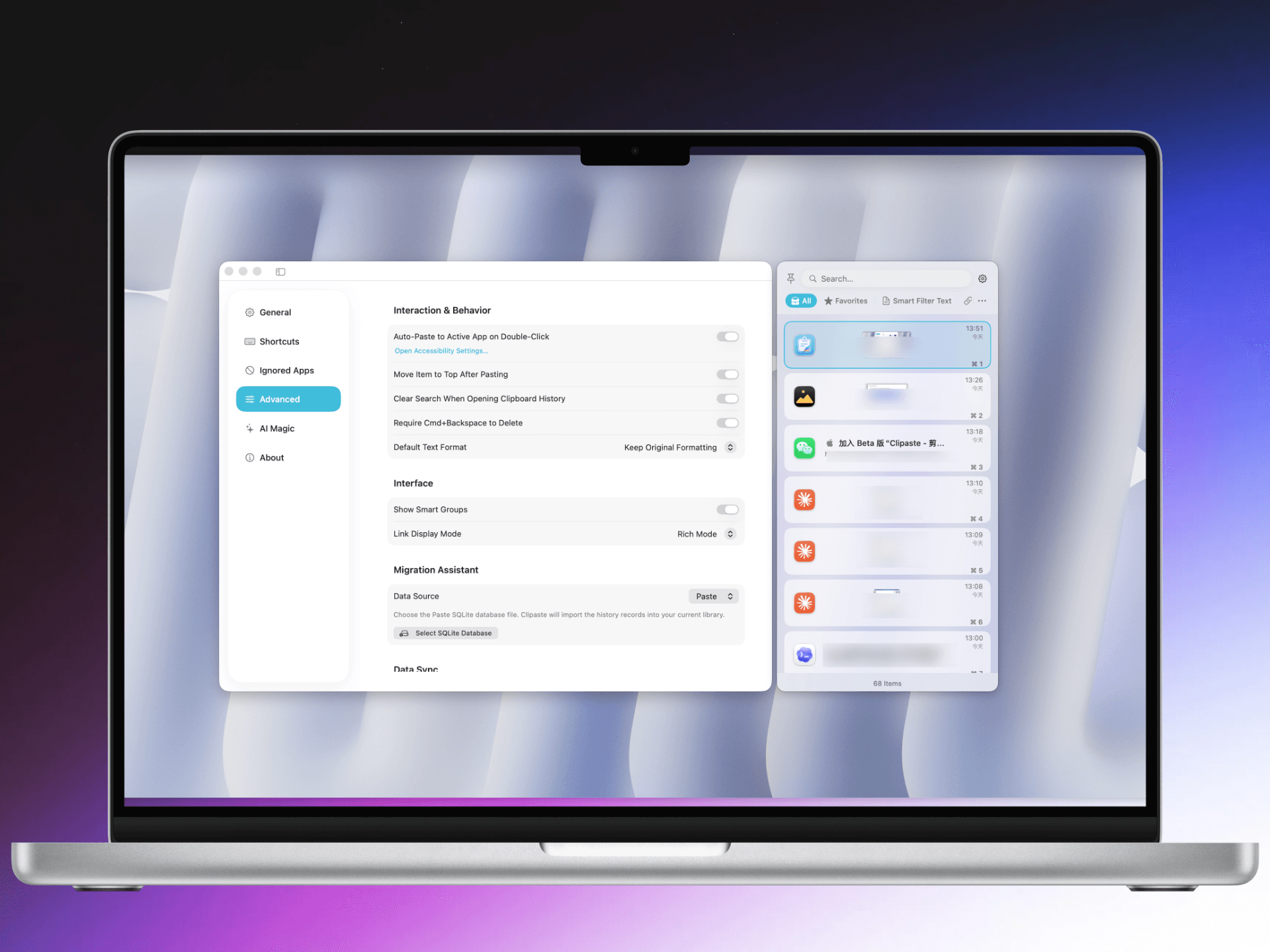
Keep recent clipboard history close in a lightweight Mac interface with horizontal and vertical layouts.
 Clipaste
Mac clipboard manager. iOS clipboard keyboard.
Clipaste keeps text, links, images, and large snippets easy to reuse. Manage history on Mac, switch to the Clipaste keyboard on iPhone, and keep the same library available through iCloud.
Built for real copy-paste work
Clipaste is intentionally practical: fast capture on Mac, focused search when history gets large, and direct paste from the iOS keyboard when you are already typing.
Keep recent clipboard history close in a lightweight Mac interface with horizontal and vertical layouts.
Search text, links, large content, and OCR-recognized image text without slowing down the flow.
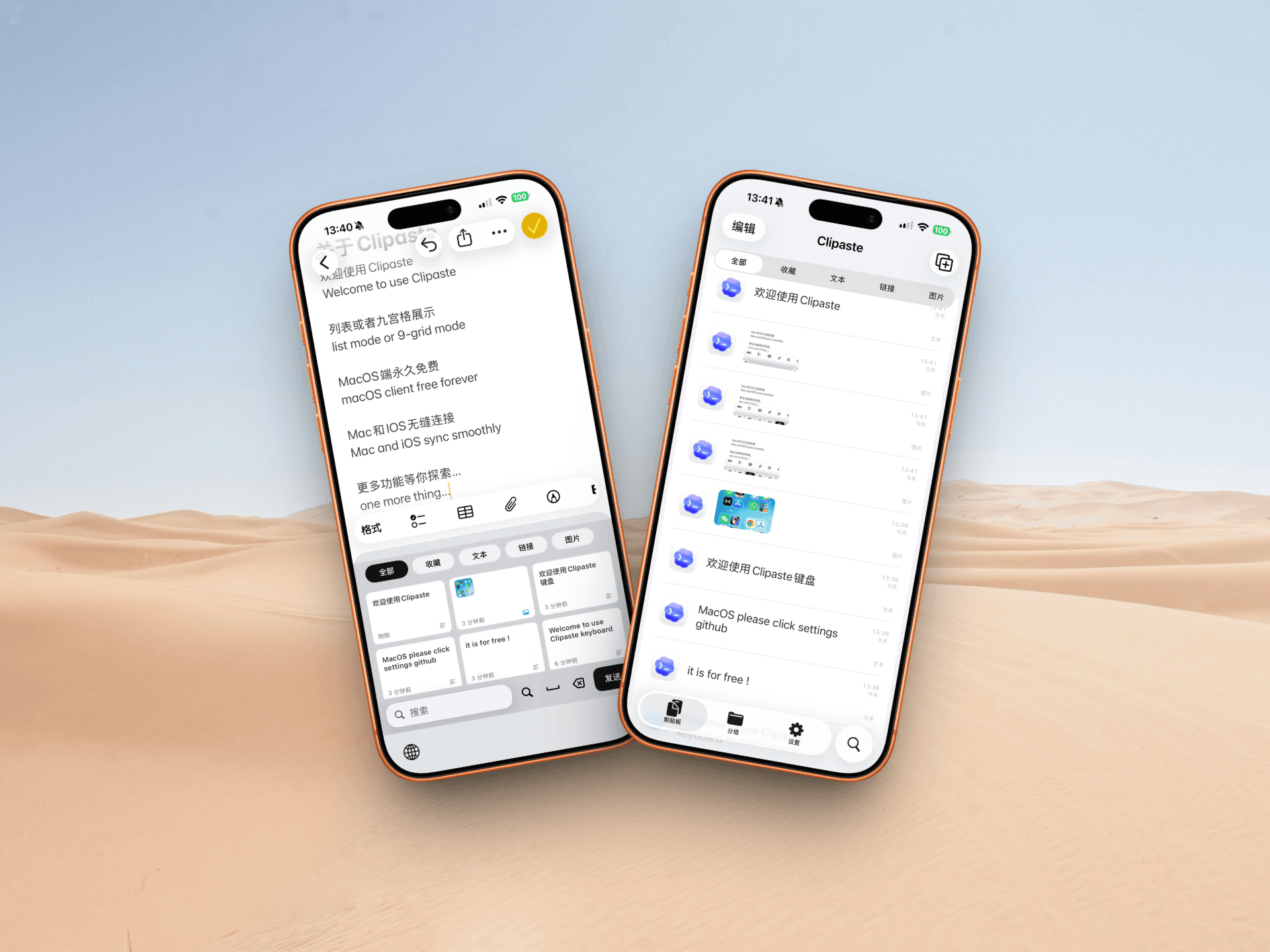
Switch to the Clipaste keyboard in any text field and reuse synced snippets without opening another app.
Product details
Use saved text, links, and images directly from the keyboard while replying, filling forms, or writing notes.
Large text and image-heavy histories remain smooth to browse, preview, search, copy, and paste.
Mac and iPhone can share the same Clipaste library through Apple iCloud and CloudKit services.
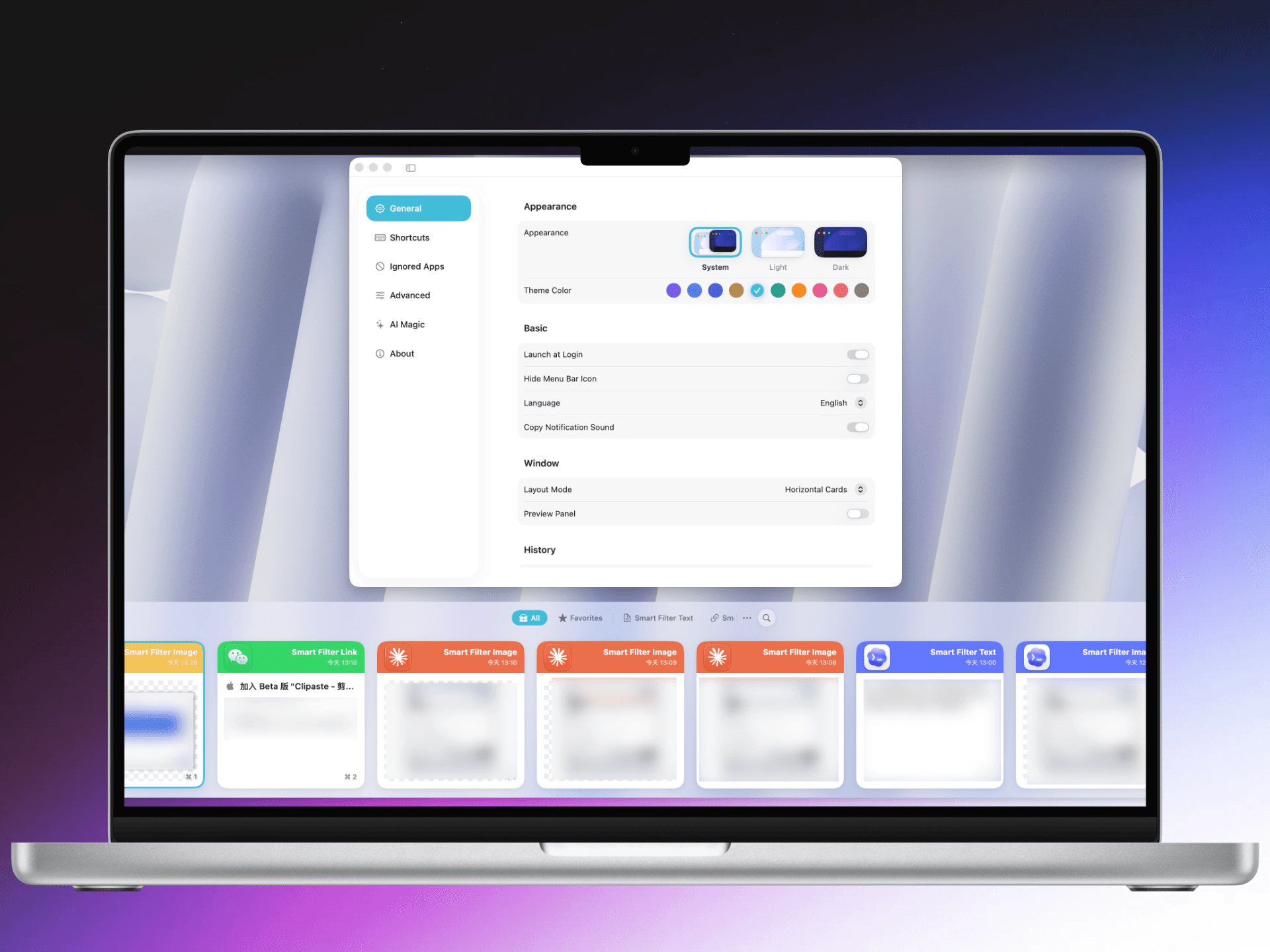
Bring old history from Paste, PasteNow, Maccy, and iCopy so switching tools does not mean starting over.
Native Apple stack
The app is built with SwiftUI, SwiftData, and CloudKit, with a focused native architecture instead of a heavy cross-platform shell.
Download
Install the iOS keyboard from the App Store or download the latest Mac build from GitHub. Mac users can also install with Homebrew.
brew tap gangz1o/clipaste && brew install --cask gangz1o-clipaste